How to clean your car's screen without streaks
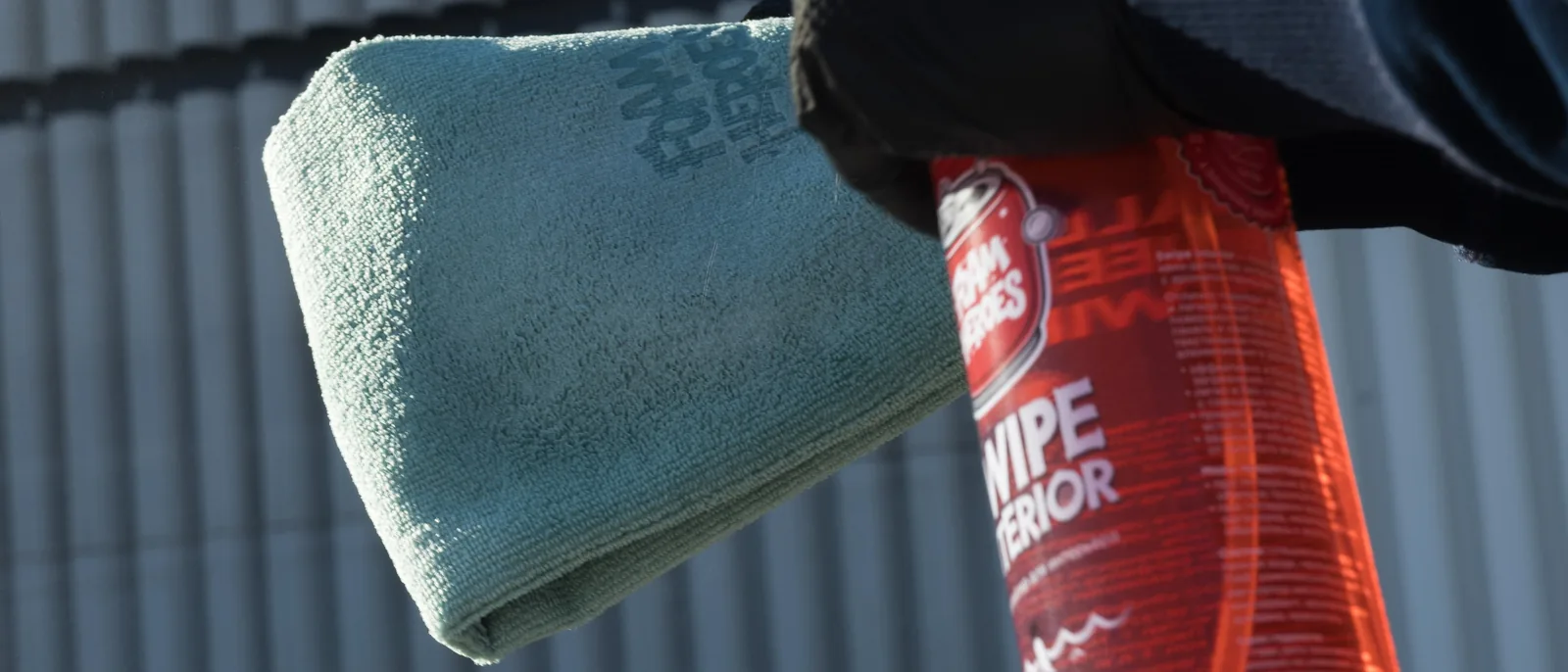
Fingerprints, dust and greasy smudges — your infotainment screen picks them up every day. But getting it clean again doesn't take any special, complicated routine. What matters is using the microfiber towel correctly and not overwetting the surface.
Swipe Interior is perfect for the job.
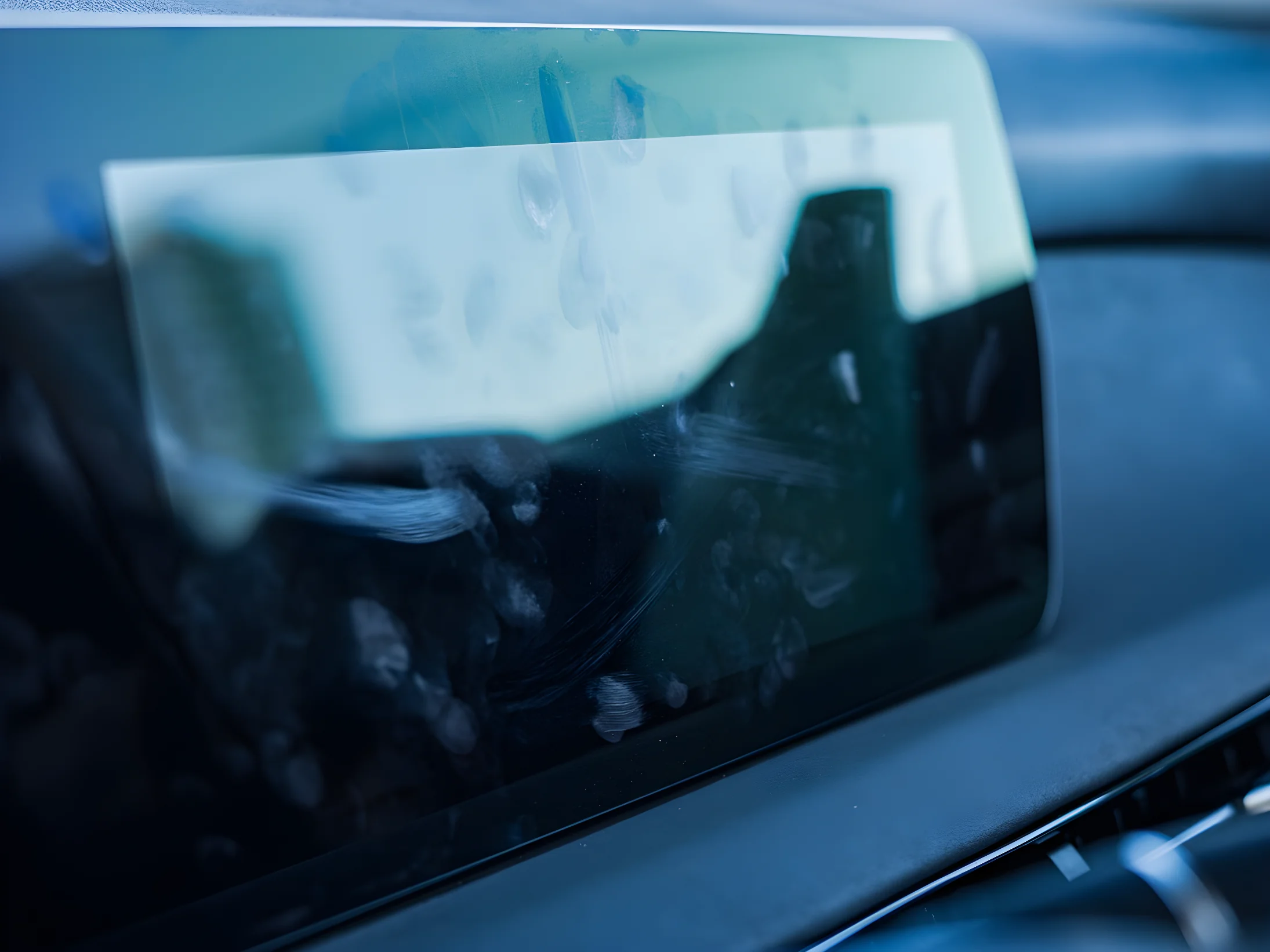
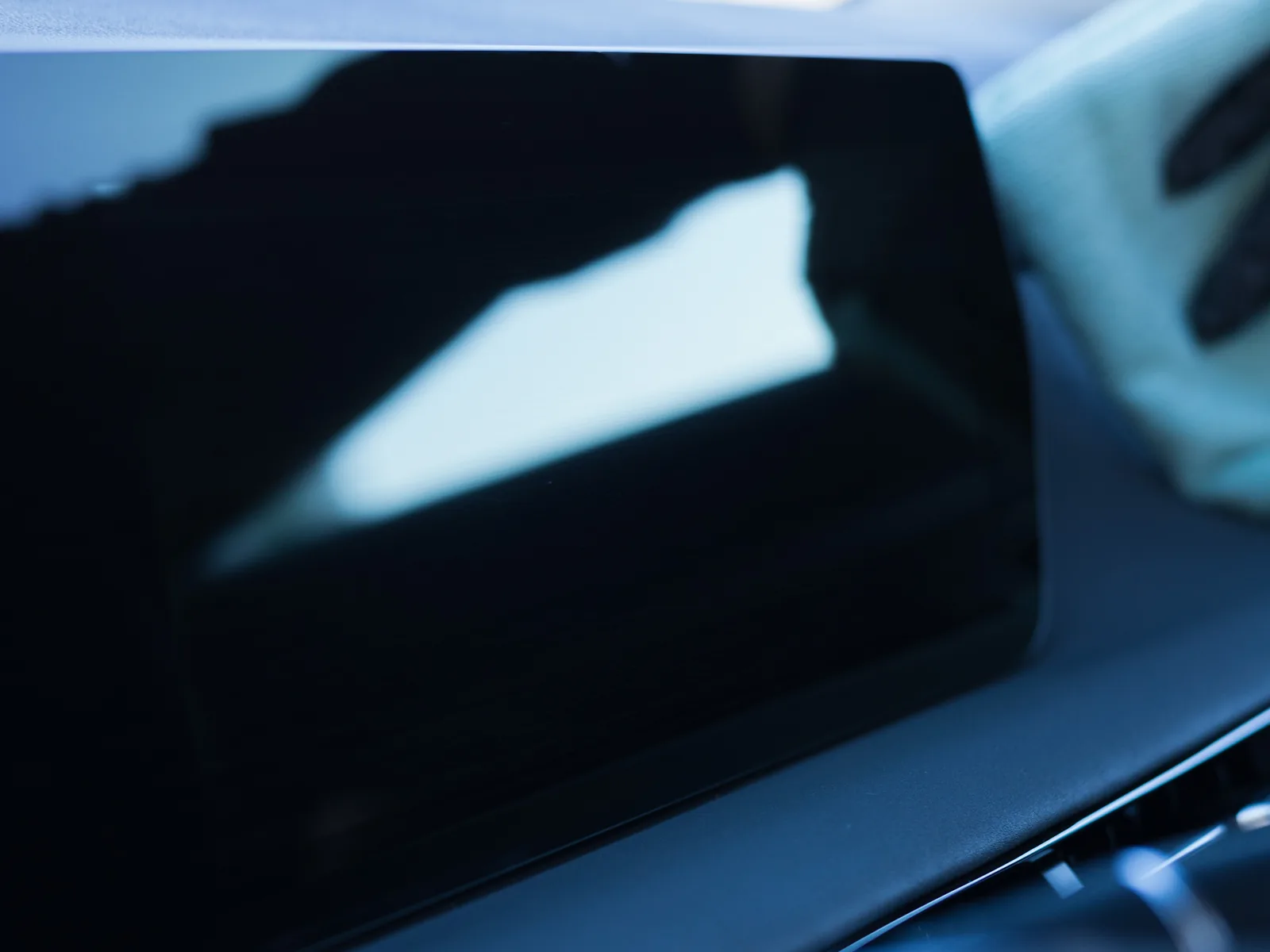
Just two passes
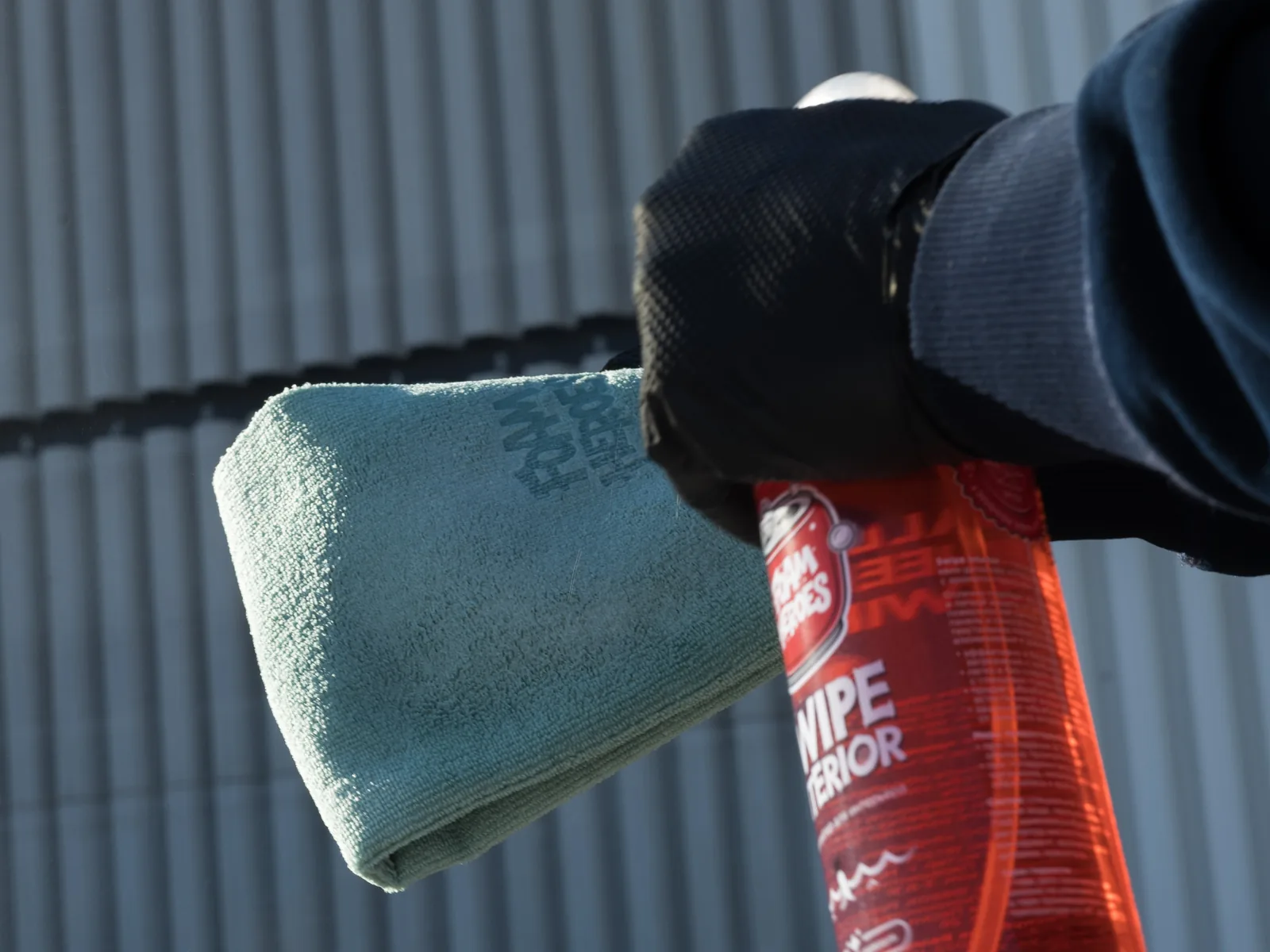
Put a small amount of Swipe Interior straight onto the microfiber towel.
Don't spray the product onto the screen.
Lay the microfiber towel on the surface and gently spread Swipe in one direction.
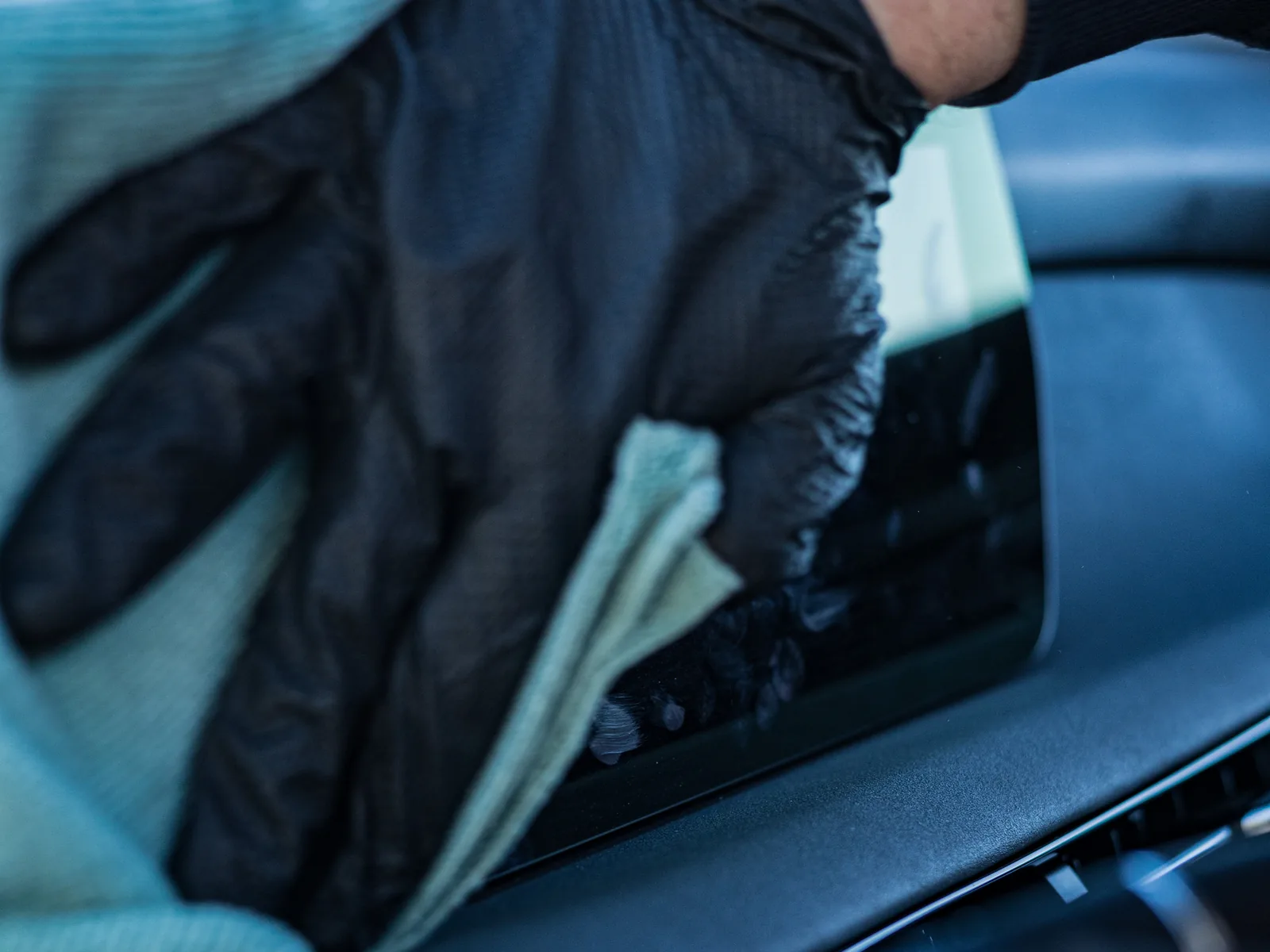
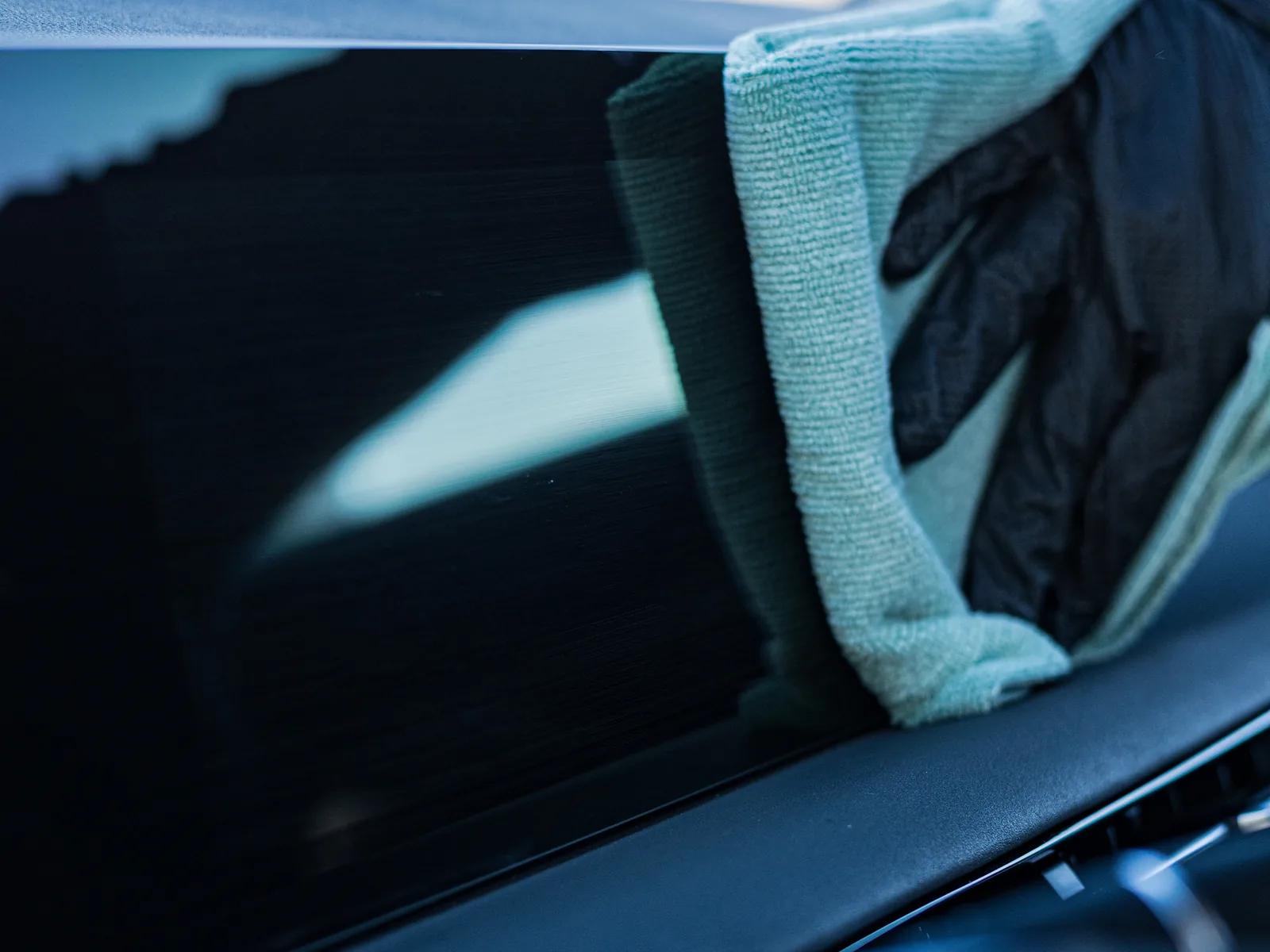
Then flip the microfiber towel to the dry side.
Now wipe away the leftover product in one light pass.
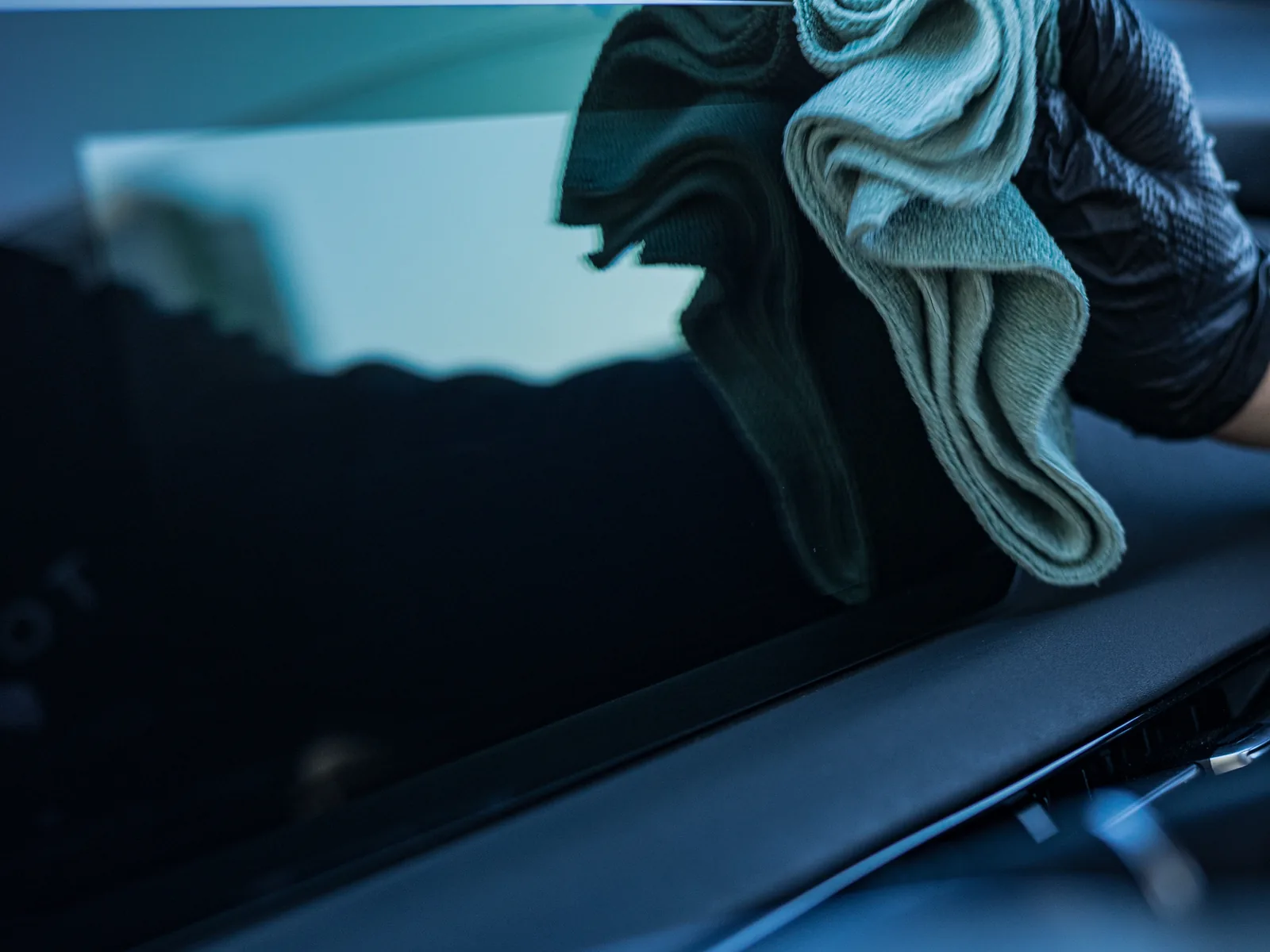
Don't press down and don't start scrubbing the screen in random directions. Just spread the product evenly across the whole surface, picking up fingerprints and dirt.
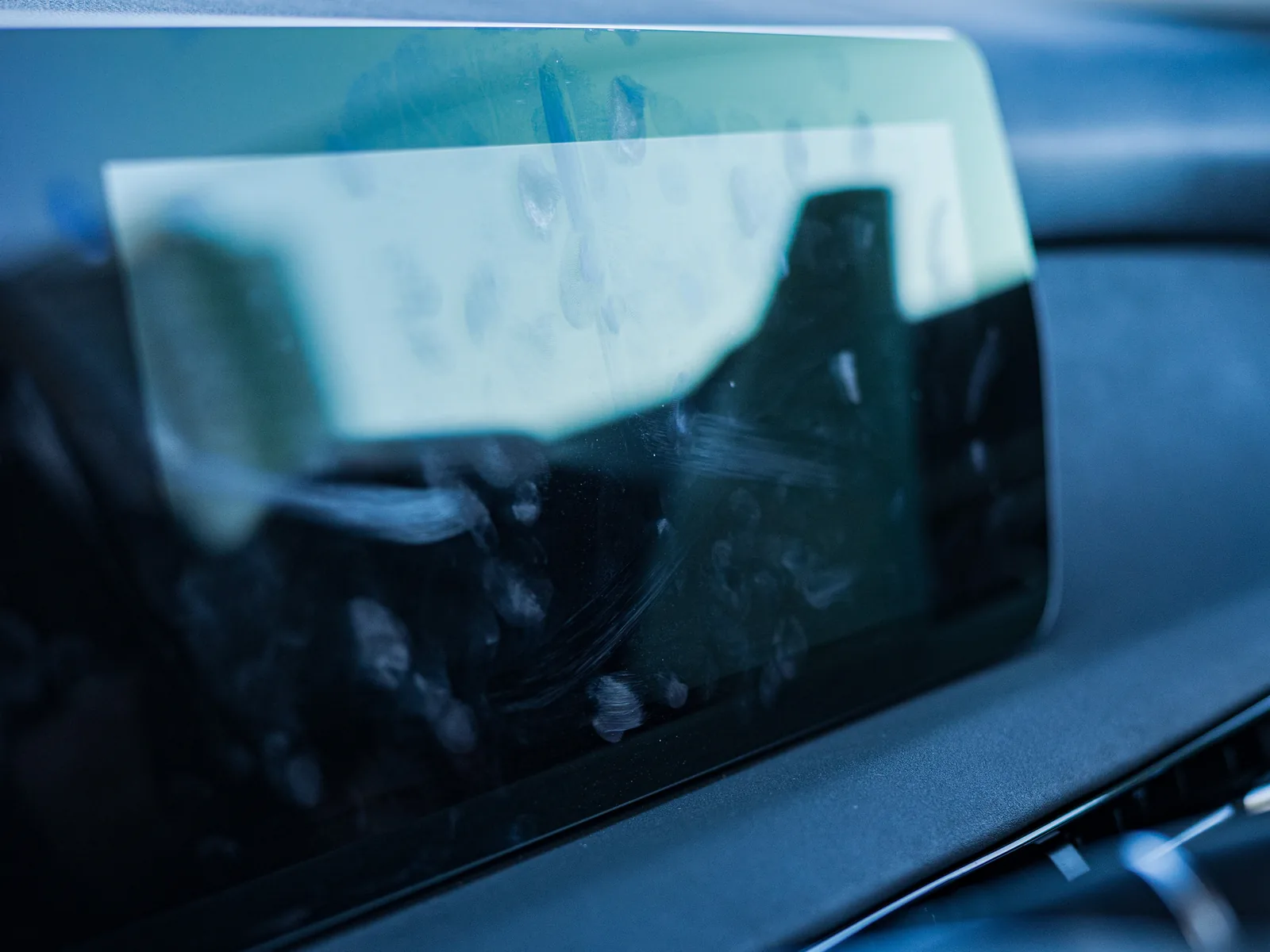
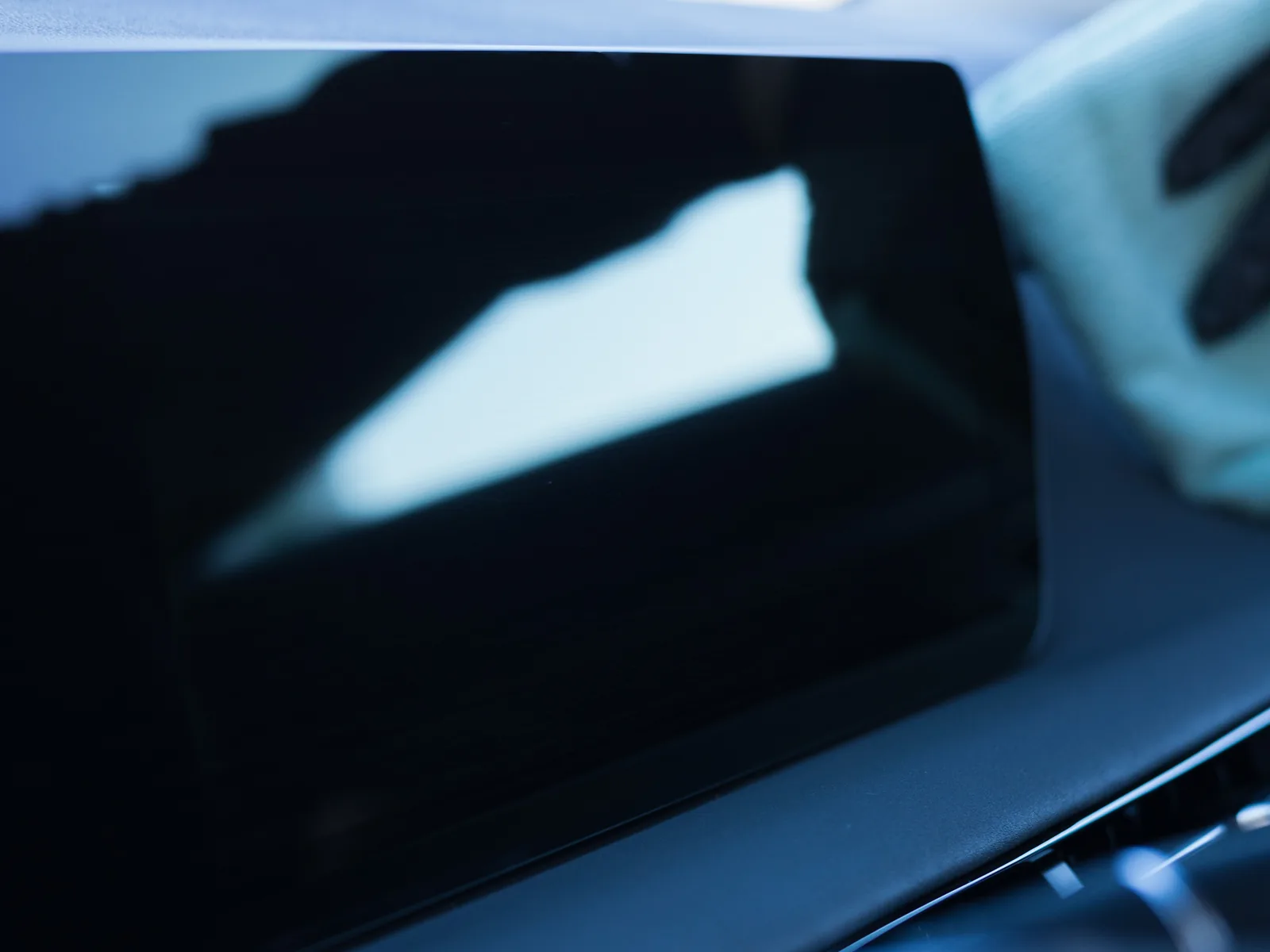
Done. No streaks, no sticky film, no endless buffing.
Why it works
Swipe Interior spreads easily across the surface, and with the right amount of product the microfiber towel glides smoothly over the screen.
The first side of the towel does the main cleaning, and the dry side finishes the job and picks up the leftover product. That's exactly why you don't need much product here.
Apply → spread in one direction → flip the microfiber towel → wipe dry.
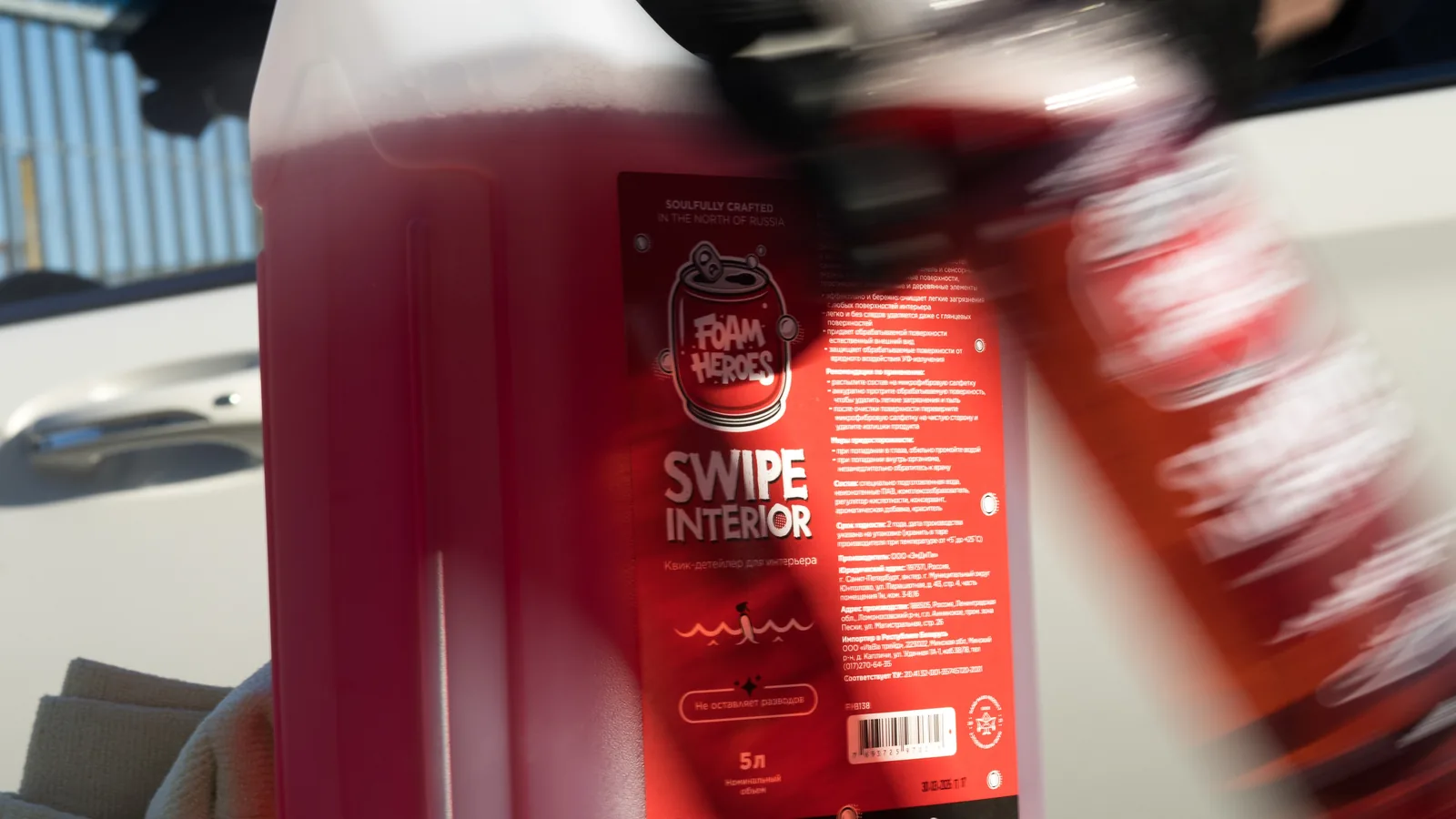
- Flashes off fast on navigation and touchscreens
- Easy to use and quick to flash off on gloss trim
- Keeps the factory look of the surface
- And the cherry on top — a big choice of scents
Clean plastic, leather, wood and aluminum surfaces quickly and easily. 10 minutes and you're done.
Products in this article
Everything mentioned here, one click away.
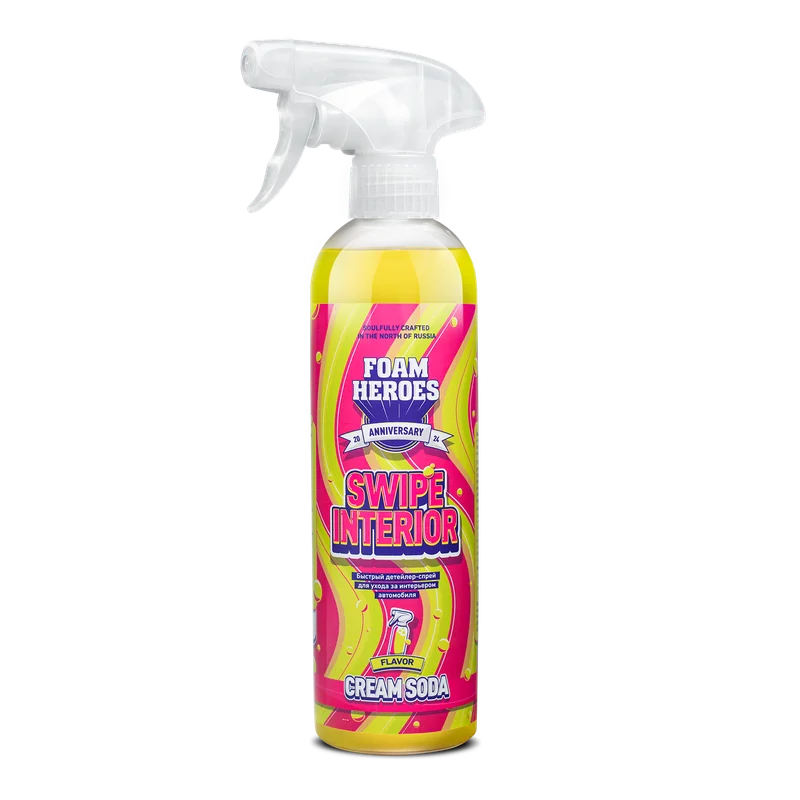
Swipe Interior
quick detailer Cream Soda
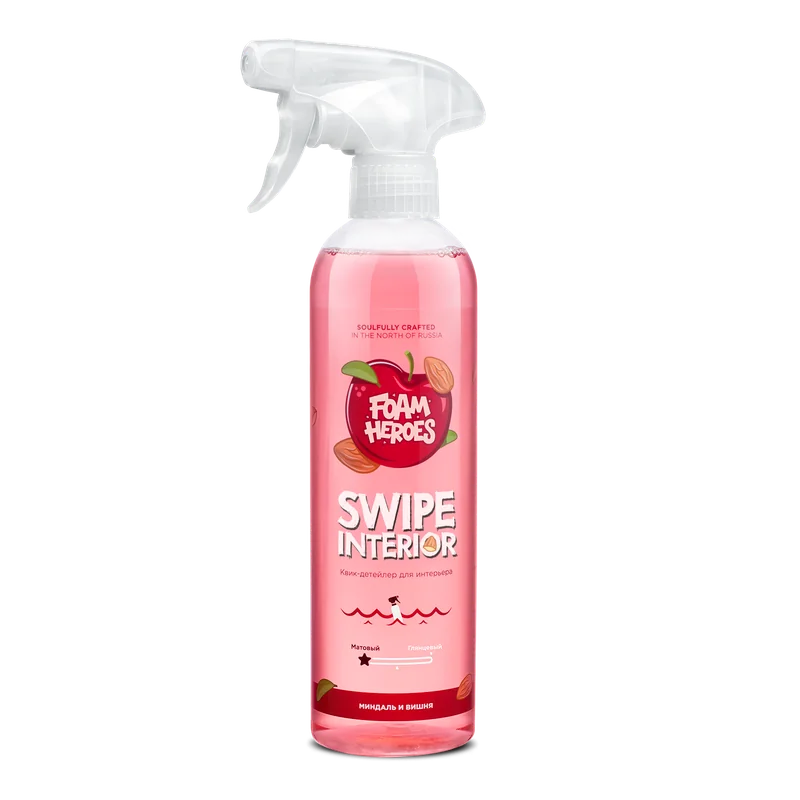
Swipe Interior
quick detailer Almond & Cherry
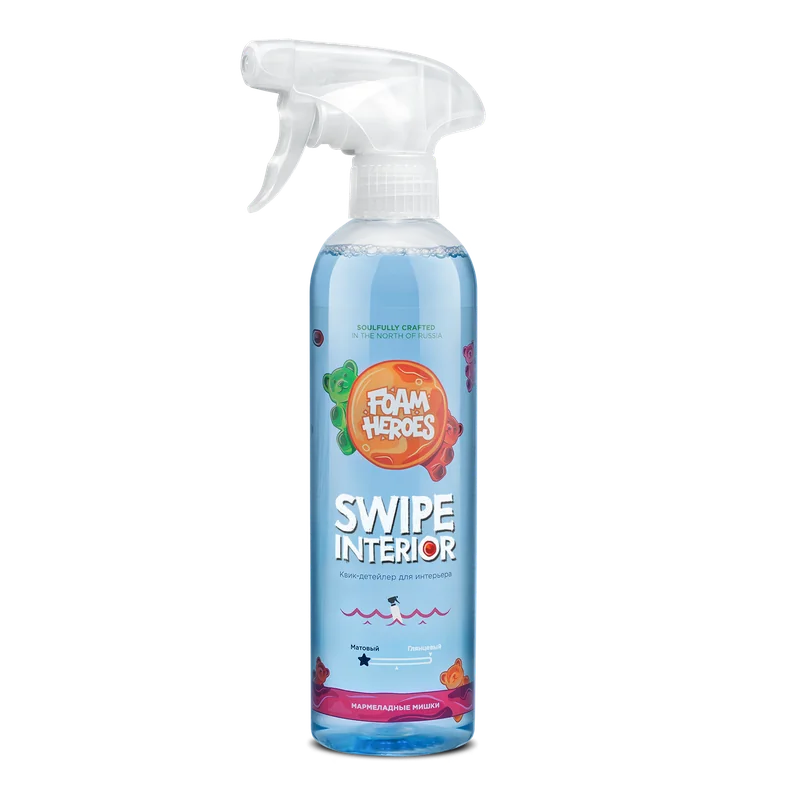
Swipe Interior
quick detailer Gummy Bears
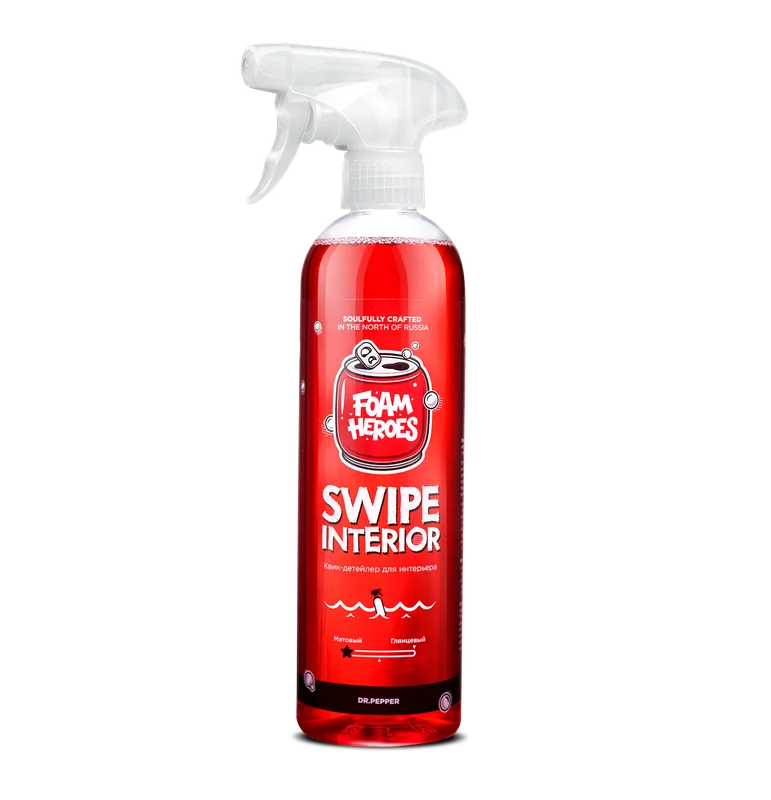
Swipe Interior
quick detailer Spiced Cherry
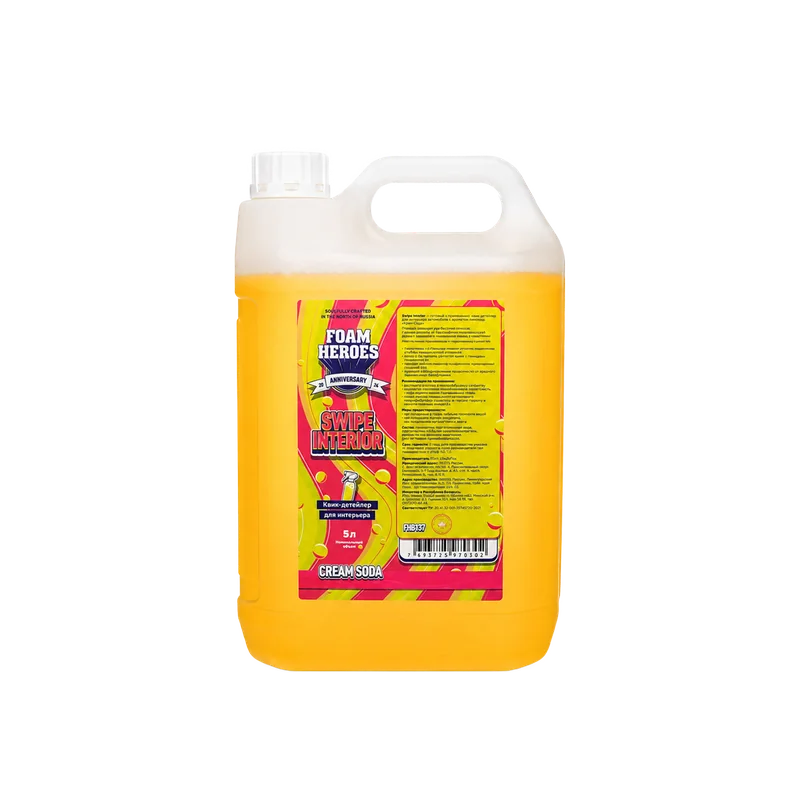
Swipe Interior
quick detailer, Cream Soda
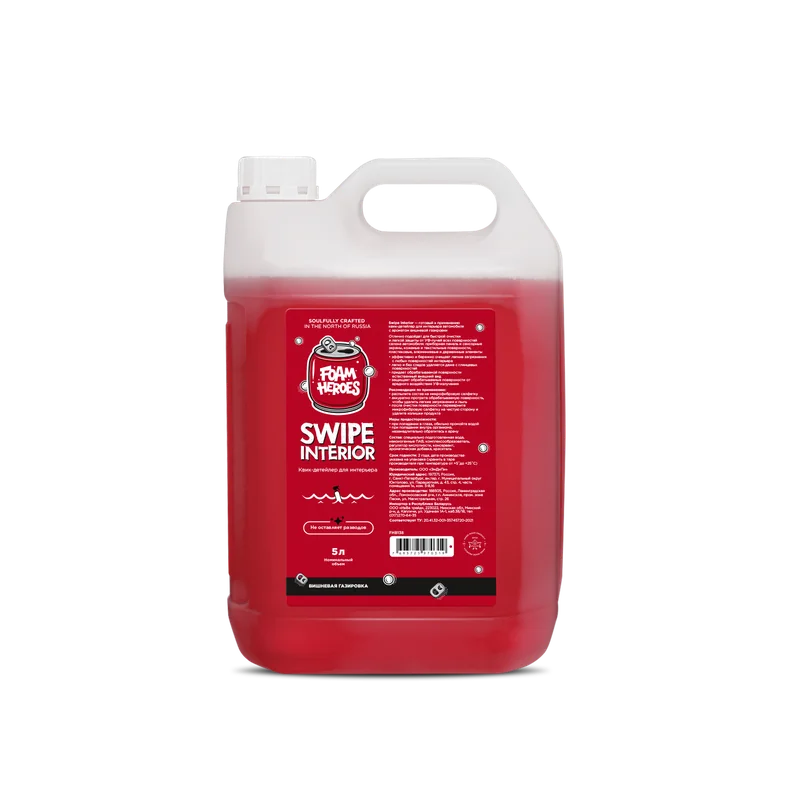
Swipe Interior
quick detailer, Cherry Soda